back
ORIGINAL
OUTPUT

Solving a real-footage post-production problem with generative AI.

··· The problem ···

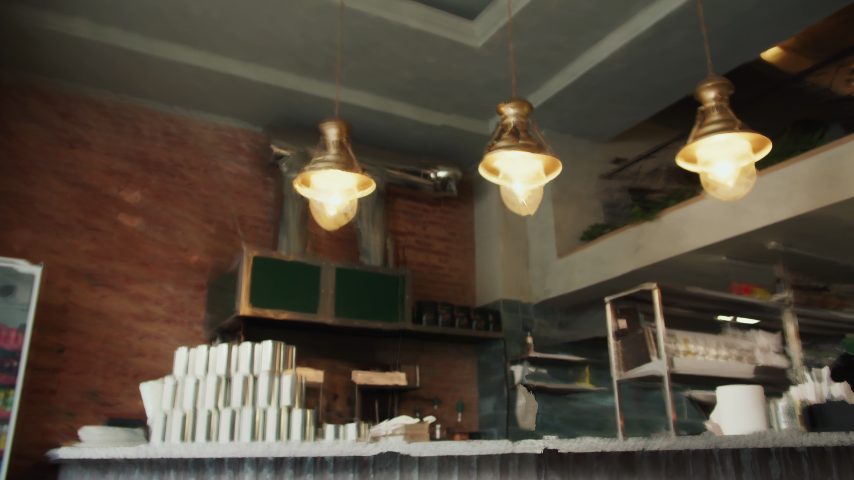
A documentary interview background does not match its content.

01:59 · night, dark, garage doorMAYA.DOC
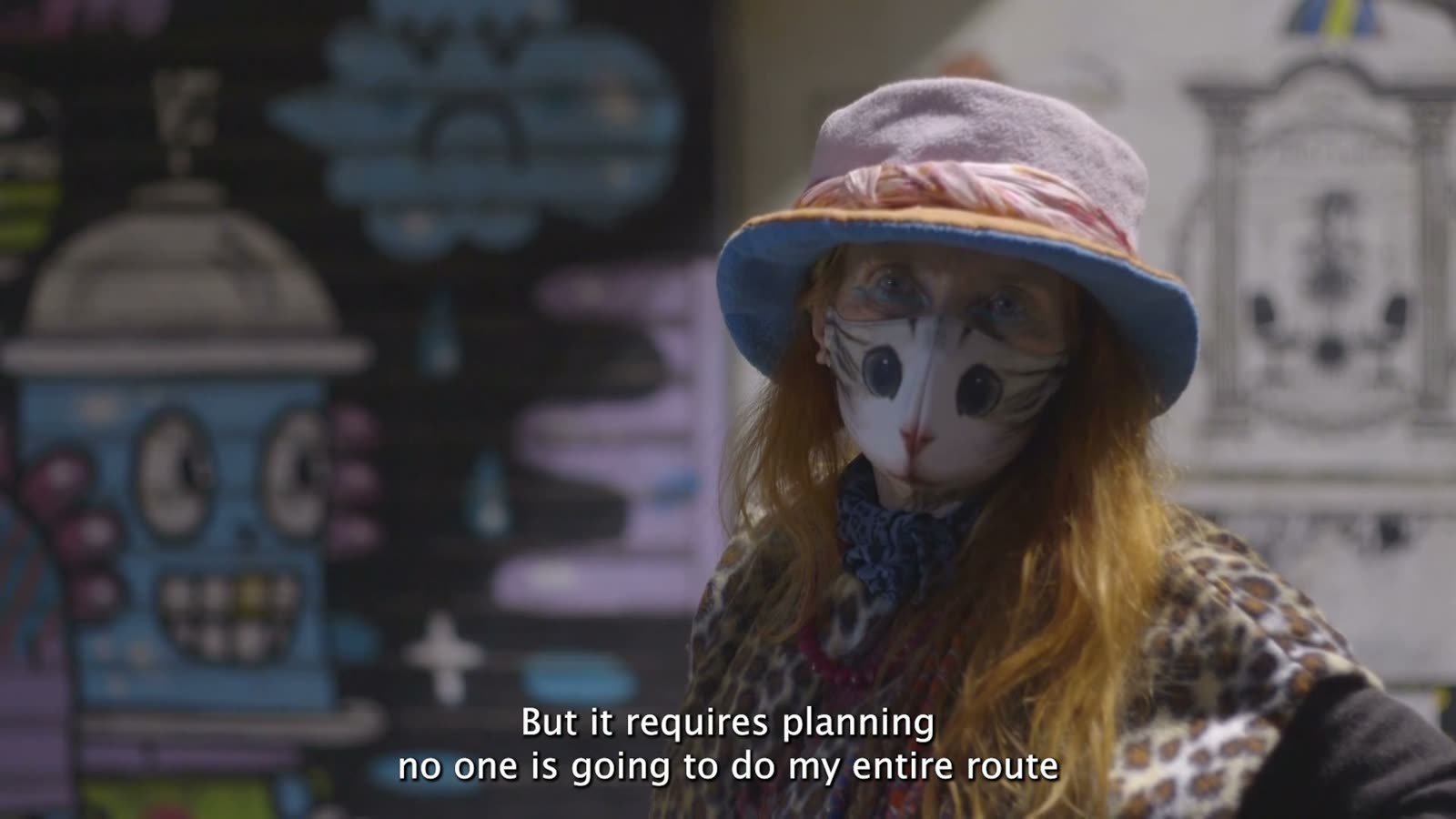
04:12 · night, back light, graffiti wallMAYA.DOC

Traditionally, changing a background while preserving the interviewee’s identity required rotoscoping or compositing. Instead, I created an AI tool that does it in one inference.


··· The method ···

Finding the right tool. The goal: the same person, blending seamlessly into a new background.

Training method: fine-tune an open video model (lower cost, higher control) to teach “given an input, produce exactly this output” → In-Context LoRA training, with the official LTX trainer.

During IC-LoRA training, matching pairs of videos with the EXACT same person, in DIFFERENT environments → teaching the model what should be preserved (PERSON) and what should be replaced (ENVIRONMENT). The new environment is established from an additional image reference.

··· The dataset ···

How to source pairs of reference videos of the exact same person, doing the exact same thing, in two completely different settings?

An AI-model-free pipeline means the solution doesn’t depend on some other tool that solved the same problem first → find a way to use identical pairs of real footage.

Insight: a mismatch between the person and the environment in the reference video doesn’t affect training, because the model learns from the TARGET video → crude paste = REF, original = TARGET (segmentation done with BEN2 + MatAnyone).

··· Dataset examples ···
Input · crude composite
Reference · background image
Target · the real clip
Input · crude composite
Reference · background image
Target · the real clip
Input · crude composite
Reference · background image
Target · the real clip
··· The training · problem solving ···

Training wasn't always smooth..
across five runs, each raised new problems and new insights.

Run 1: confirming the pipeline

A short test run on a few pairs. Goal: prove the full path works, from dataset to trained checkpoint to a generated video. It worked.

Spec, shared by all runs: LTX-2.3 22B · IC-LoRA rank 32 · 1280×704 · 97 frames · 25 fps · 3000 steps · official LTX trainer · RunPod, one H100 NVL 94 GB

Run 2: identity artifacts change the captioning strategy

Dataset: 40 video pairs; the new background is described in the prompt. Image input was not introduced at this stage, to isolate potential failure modes. Each pair is one real clip (the target) and a crude composite of the same person on a different background (the input), made by segmenting the person (BEN2 + MatAnyone) and pasting them onto another clip's reconstructed background. Based on documentation research, captions described only what changes, with no mention of the person. Result: the face slowly breaks and disappears during training. The fix: new captions that mention the person without describing them, so identity can only come from the video reference.

Reference vs run 2 output · the face scrambles

Run 3: learning is confirmed; expanding the dataset to teach lighting match

Same 40 pairs, new captions. Result: identity locked. The person stays exactly themselves, and the background swaps. One problem remains: the person keeps the light of their original scene, so they look pasted. The fix: alter the dataset to teach lighting. Every input clip got relit variants (color gels, darker, brighter), all paired with the same untouched target. 40 clips became 100 pairs.

step 2000 · 1
step 2000 · 4
step 2000 · 2
step 2000 · 3

Run 4: finding the light

Trained on the expanded 100 pairs. The variants teach the model one rule: whatever light the input person arrives with, correct it to match the scene. Result: relighting was observed visually and measured across 4 parameters (brightness, green-magenta, yellow-blue, contrast), proving a real change on the person.

Target
Variant · gel teal
Variant · darker

Run 5: the “adding the background image reference” hack

Connecting the image reference to training: each pair now includes the new background as an image. LTX only accepts video, so the image is encoded as a video of one frame. A preprocessing bug surfaced (a still is labeled 1 fps and claims a full second on a 25 fps timeline) and was fixed by relabeling to 25. 43 clips, 108 pairs.

City street · soft daylight
Open field · daylight
Interior · warm practicals

Run 5: brief opacity flicker scare in the path to finding the right inference pipeline

Opacity flicker on inference outputs revealed a new problem of unknown source. The dataset was ruled out first (nothing in it can teach transparency), leaving the inference pipeline as the main suspect. The pipeline was compared to the official recipe node by node, and several variable strengths (CFG, LoRA) were tested. The official two-stage upscale workflow (generate small, then upsample) destroyed identity and was deemed unsuitable for preservation purposes. Finally, the official single stage at full resolution proved the best match for this IC-LoRA.

2-stage
1-stage
Original
··· Tool at work ···

The outputs were evaluated in 3 stages,
each isolating a possible failure source.

◀▶

Stage 1: ran on training pairs successfully, proving that the model learned.

Stage 2: trained people, new pairings: recombines freely, showing that the model understood the task and didn't just memorise.

Stage 3: fully unseen people and scenes: generalization is real.

Color: measured on the moving person, brightness changed the most toward the new scene; sometimes the change was too subtle.

··· Where it stands ···

Assessing tool capabilities

◀▶

Closing the circle · background change to documentary interview footage

What's next: improving scene harmonization with additional training, focused on light direction.

Get the tool · Git repo ↗